How We Built VISION-MAP: Querying Complex Blueprints, Tables, and Scanned Docs Without Flattening Them into Plain Text

Tired of manually flipping through 500-page binders? Here is how we get AI to route directly to the exact source page.
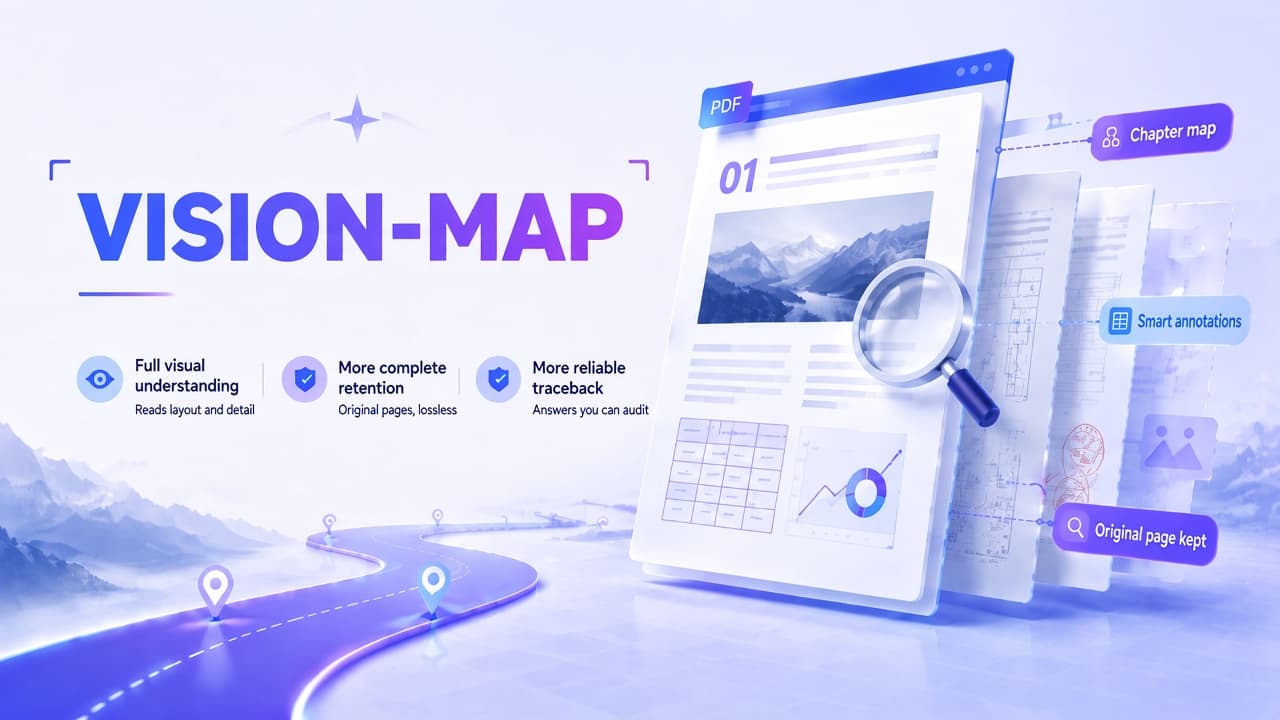
In our last post, we shared our visual-first document pipeline, VISION-MAP. The core premise is simple: instead of aggressively converting every document into stripped-down text chunks, keep the original visual pages intact so the AI agent can inspect the actual layout, check figures against the source, and provide verifiable evidence.
A common question we got was: If a document has hundreds of pages, does the vision-language model (VLM) have to read every single page from start to finish on every query?
The short answer: No.
Doing a brute-force VLM pass over a massive PDF for every user query is painfully slow, burns through API tokens, and pollutes the context window. The real engineering challenge VISION-MAP tackles is finding the highest-signal candidate pages before calling the vision model — without destroying the spatial context of the source document along the way.
Here is a breakdown of how it works under the hood.
How the Pipeline Works
1. Ingestion: Keeping the Raw Layout and Spatial Annotations
When a document enters Knowhere, we don’t immediately flatten it into a single Markdown file. We preserve the original visual structure of each page while parsing its core elements — text blocks, table boundaries, graphics, stamps, and coordinates. This maintains a complete audit trail for downstream verification. Importantly, we store structured page annotations rather than merely dumping duplicate image files.
2. Building the Structural Hierarchy
Raw pages without structure are just unstructured data. Without a logical hierarchy, an agent is still forced to search sequentially.
VISION-MAP parses the document’s headings and sections into a Chapter → Section → Page tree, attaching lightweight index summaries to each node. These summaries tell the Agent what a page covers and where it sits in the broader structure, without discarding the original visual page.
3. Two-Stage Retrieval: Routing First, Inspecting Second
When a user asks a question, the Agent doesn’t do a full-text re-scan. Instead, it navigates the chapter tree first:
- Which sections are relevant?
- Does it need to drill down into subsections?
- Which specific pages should be shortlisted?
Once the candidate pages are selected, the visual model inspects the raw page directly — cross-checking numbers, clauses, schematics, and layout positions — and returns an answer anchored directly to that exact page.
This follows our core retrieval loop: Locate the candidate area → Navigate the document tree → Return traceable, page-level evidence.

Real-World Use Cases: Where Traditional Chunking Breaks
VISION-MAP is not meant for every use case. If you have clean, plain-text documents where the answer is contained in a single paragraph, standard text RAG is faster and cheaper.
VISION-MAP is built for scenarios where answers are hard to locate, scattered across visual elements, or require strict human verification.
1. Financial Analysis: Where Provenance Matters as Much as the Answer
Suppose an analyst asks:
“What were the primary drivers behind the decline in operating cash flow this quarter?”
A naive keyword search across embeddings usually returns a jumble of snippets containing “operating cash flow” — some from the executive summary, some from the cash flow statement, some from the MD&A (Management Discussion & Analysis), and occasionally even prior-year comparison numbers. Individually, each snippet is technically “correct,” but stitching them together without context leads to hallucinations.
VISION-MAP routes directly to the cash flow statement first, then pulls the corresponding MD&A commentary to reconcile the numbers, reporting basis, and qualitative explanations. The output includes direct references to the line item, section, and page number, allowing analysts to click through and verify immediately. In audit, compliance, and equity research, the audit trail is non-negotiable.
2. AEC & Manufacturing: Connecting Specs, Tables, and Schematics
In architecture, engineering, and manufacturing, submittals and design packages routinely span hundreds or thousands of pages.
If you need to verify a material’s fire-rating requirement and installation specs, you often find:
- The rating is listed in an engineering table in Section 3;
- The installation clause is in Section 9;
- The actual spatial layout is inside a blueprint drawing in the appendix.
Standard text chunking breaks these spatial and cross-sectional relationships entirely. VISION-MAP pulls the relevant clauses, tables, and schematic pages together, letting the vision model cross-examine the visual content. Reviewers can open the original sheet to verify dimensions, callout notes, and version stamps directly.
Ultimately, this moves document Q&A from “giving a generic summary” to “reading like an engineer or analyst, with verifiable proof.” It doesn’t replace domain expertise, but it eliminates hours of cross-referencing and reduces version-mismatch errors.
Why Grounding in the Original Page is Critical
In legal review, financial audits, and engineering sign-offs, mistakes carry real liability. “That’s what the AI said” is not an acceptable defense.
Instead of slicing files into isolated text chunks, VISION-MAP functions more like an automated document inspector. It preserves headings, paragraphs, tables, vector diagrams, and layout relationships, maintaining a clean Query → Evidence → Page Location chain.
When a query is run, the system doesn’t just return text — it points to the exact page, section, or table cell where the data originated. This significantly improves explainability and makes the agent’s reasoning auditable.
The conclusion can be debated, but the underlying source page should always be one click away.
How to Test It
You can try this out directly in Knowhere Brain: notebook.knowhereto.ai
When uploading a file, you can pick the pipeline based on your document type:
- Text Pipeline: Best for standard, text-heavy documents where fast search and quick text citations are sufficient.
- VISION-MAP: Designed for scanned PDFs, complex financial reports, engineering schematics, mixed-layout decks, or any document where visual layout and exact figures matter.

You can prompt it naturally:
- “Reconcile the contract value and payment schedule for this fiscal year.”
- “What is the connection between Equipment A and Pipeline B in this schematic?”
- “Does the executive summary’s conclusion match the data presented in Figure 2?”
Knowhere handles the routing under the hood — passing text or raw pages to the Agent as needed. Every citation links back to the original source page.
The text track optimizes for speed; the vision track ensures fidelity.
If you are dealing with complex tables, scanned contracts, or engineering drawings that lose critical context when stripped into plain text, try running them through VISION-MAP on Knowhere.
We’ll keep refining the pipeline and sharing our technical findings here.